Melbourne, Victoria Australia

Microsoft 365 & Email
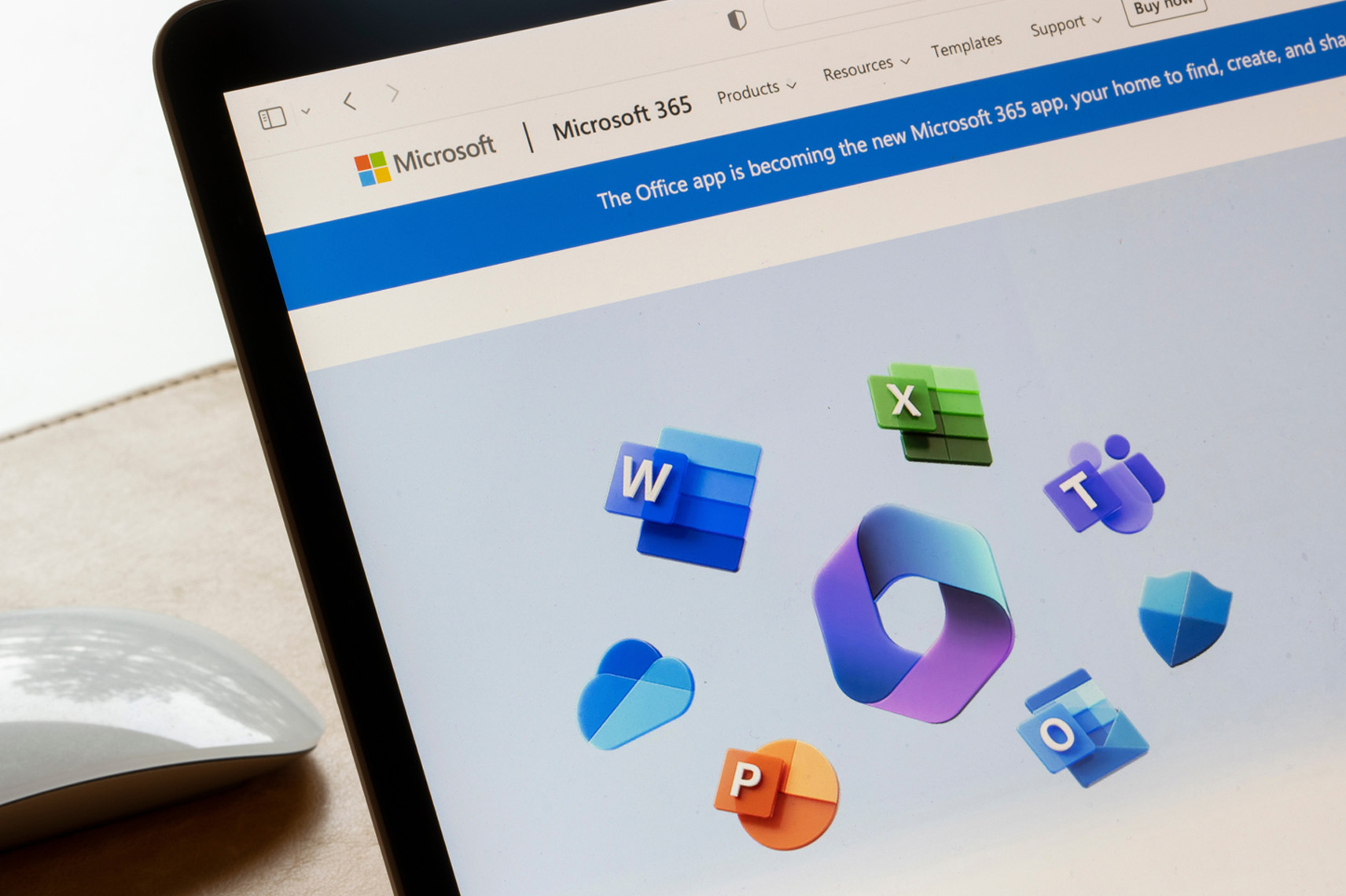
Microsoft 365 & Business Email Services Melbourne
Email is the system your business can least afford to lose and the one attackers target first. Techloom Solutions migrates, secures, and manages Microsoft 365 for Australian businesses, so your email, files, and collaboration tools are fast, protected, and properly backed up.
More Than Email. Done Properly
Most businesses running Microsoft 365 are using a fraction of what they already pay for, and are less protected than they assume. Licences sit on the wrong plan. Multi-factor authentication is switched on for some staff but not others. Files live in personal OneDrive accounts instead of shared libraries. And almost nobody realises that Microsoft does not back up their data in the way they expect.
Techloom Solutions treats Microsoft 365 as what it actually is — the core of your business systems, not just a mailbox. We handle migrations without losing mail, configure the security controls that stop business email compromise, deploy Teams and SharePoint so people can genuinely find their files, and review your licensing so you are not paying for capability you never use.
If you are still running email through a hosting provider, an old Exchange server in a cupboard, or a consumer Gmail account with your business name on it, this is the upgrade that pays for itself quickly.
What’s Included in Our Microsoft 365 & Email Services
We cover the migration, the security configuration, the day-to-day management, and the training that makes the platform actually useful.
Microsoft 365 Migration
- Migration from Exchange, POP/IMAP, cPanel hosting, or Google Workspace
- Mail, calendar, contact, and file migration with data verified before cutover
- Public folder and shared mailbox migration
- DNS and MX record cutover scheduled outside business hours
- Hybrid and staged migrations for larger or more complex environments
Licensing & Tenant Setup
- Plan comparison across Business Basic, Standard, and Premium
- Licence review to identify unused, duplicated, or over-specified subscriptions
- Tenant configuration with Australian data residency confirmed
- Custom domain setup and verification
- Shared mailboxes, distribution groups, and aliases at no extra licence cost
Business Email & Exchange Online
- Professional email on your own domain across every device
- Shared mailboxes for accounts, sales, support, and info addresses
- Mail flow rules, forwarding policies, and transport configuration
- Signature management standardised across the organisation
- Retention and archiving policies aligned to your record-keeping obligations
Email Security & Anti-Phishing
- SPF, DKIM, and DMARC configured correctly so your domain cannot be easily spoofed
- Microsoft Defender for Office 365 with safe links and safe attachments
- Anti-spam, anti-malware, and impersonation protection tuned to reduce false positives
- Alerting on suspicious mailbox rules, forwarding changes, and impossible-travel logins
- Staff phishing awareness training and simulated phishing campaigns
Teams, SharePoint & OneDrive
- Microsoft Teams deployment with a sensible channel and permission structure
- SharePoint document libraries designed around how your business actually files things
- OneDrive rollout with known-folder redirection so desktops and documents sync
- External sharing controls and guest access policies
- Migration of existing file shares from an on-premises server
Identity & Access Management
- Multi-factor authentication enforced across all accounts
- Conditional access policies based on location, device, and risk
- Microsoft Entra ID configuration and single sign-on to other applications
- Role-based administrative access with privileged accounts separated
- Documented starter, mover, and leaver processes for staff changes
Microsoft 365 Backup
- Third-party backup covering Exchange, SharePoint, OneDrive, and Teams data
- Point-in-time restore of individual mailboxes, files, or entire sites
- Retention aligned to your compliance and record-keeping requirements
- Protection against accidental deletion, malicious insiders, and ransomware
- Regular restore testing, because an untested backup is only an assumption
Ongoing Management & Support
- User onboarding and offboarding handled promptly
- Security and configuration reviews against Microsoft Secure Score
- Licence optimisation reviewed as your headcount changes
- Australian-based helpdesk support for day-to-day issues
- Staff training on Teams, SharePoint, and Outlook

What We Usually Find in an Existing Microsoft 365 Setup
|
No Backup in Place
|
The most common gap by a wide margin. Businesses assume Microsoft covers it; the shared responsibility model says otherwise. |
|
Partial MFA Coverage
|
Enabled for most staff, but with exceptions left in place for convenience — usually on the accounts with the most access. |
|
Missing DMARC Records
|
The domain can be spoofed by anyone, making impersonation of your business trivially easy. |
|
Wrong Licence Mix
|
Paying for Business Premium features nobody uses, or sitting on Basic while needing the security controls in Premium. |
|
Files in Personal OneDrive
|
Business documents tied to individual accounts, which becomes a serious problem when that person leaves. |
|
Ex-Staff Accounts Still Active
|
Licensed, accessible mailboxes belonging to people who left the business months ago. |
Why Melbourne Businesses Choose Techloom Solutions
|
Migrations Without Drama
|
Data is verified before cutover and mailboxes stay intact until the move is confirmed complete. Cutovers are scheduled outside trading hours. |
|
Security Configured, Not Just Enabled
|
MFA, conditional access, and email authentication set up properly across every account — not switched on and left at defaults. |
|
Backup Included in the Conversation
|
We raise the Microsoft 365 backup gap on day one rather than after you have lost something. |
|
Honest Licensing Advice
|
We review what you are paying for and tell you where you are over-licensed, even when that reduces the invoice. |
|
Platform Neutral
|
We also deploy Google Workspace. If it suits your business better, we will say so rather than push Microsoft by default. |
|
Local Melbourne Team
|
Australian-based support in your timezone, with data residency confirmed in writing where you need it. |
Who This Service Is Designed For
Our Microsoft 365 and email services are suitable for:
|
Businesses on Legacy Email
|
Companies still using cPanel hosting, POP accounts, or a consumer Gmail address for business correspondence. |
|
On-Premises Exchange Users
|
Organisations running an ageing Exchange server they need to retire. |
|
Existing 365 Users
|
Businesses already on the platform but unsure whether it is configured, licensed, or secured correctly. |
|
Google Workspace Switchers
|
Companies standardising on Microsoft, often because of Office file compatibility or client requirements. |
|
Compliance-Driven Organisations
|
Businesses with data residency, retention, or Essential Eight obligations to satisfy. |
|
Growing Teams
|
Organisations adding staff regularly who need onboarding and offboarding handled reliably. |
How a Microsoft 365 Project Works
01
Assessment
We review your current email environment, data volumes, licensing, and security posture.
02
Plan & Quote
You receive a migration plan, a cutover date, and a fixed quote before anything begins.
03
Tenant Preparation
We configure the tenant, domains, security policies, and licensing ahead of the move.
04
Data Migration
Mail, calendars, contacts, and files are synchronised and verified while you keep working.
05
Cutover
DNS is switched outside business hours, with mail flow monitored closely through the transition.
06
Training & Support
Staff are shown the new environment, then we move into ongoing management and support.
Frequently Asked Questions
Business Basic provides cloud services only: business email, Teams, SharePoint, and web versions of the Office apps. Business Standard adds the full desktop applications installed on your computers. Business Premium adds the security and device management layer, including Microsoft Defender for Office 365, Intune device management, and conditional access. Most Australian small businesses handling client data are best served by Premium, because the security features it includes would otherwise be purchased separately at a higher combined cost.
Let’s Build Something Smarter Together
Reliable IT solutions, secure infrastructure, and modern technology designed to support your business growth and long-term success.